Recording and results
How do I delete a recorded match?
Open the unfinished match in Club → History and tap Delete match under Complete match. Confirm with Delete match. The match disappears from everyone’s history and cannot be restored. A completed match cannot be deleted in the app; correct it instead.
On this page
Who can delete a match
- Only the person who recorded the match. Other players in the match do not see Delete match.
- Only an unfinished match. A completed match has no Delete match in the app.
- Never a final result.
Delete an unfinished match
- Open Club → History. Turn on Unfinished only under Filters if you cannot see the match, and tap it.
- Tap Delete match under Complete match.
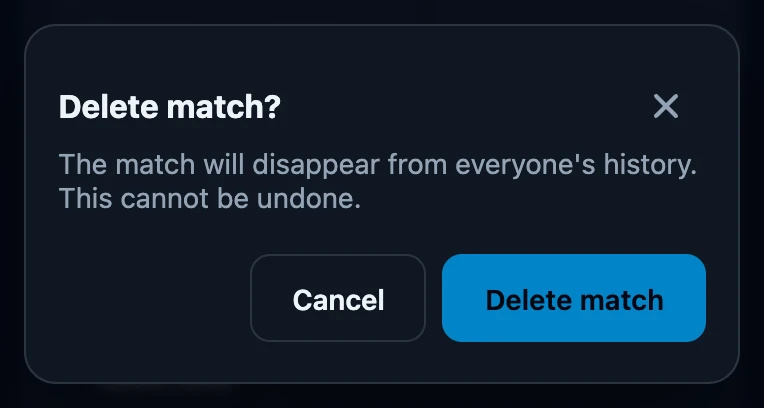
- The app asks Delete match? and warns: The match will disappear from everyone's history. This cannot be undone.
- Tap Delete match to delete it, or Cancel to keep it.
What deleting does
- The match disappears from History for you and for every player in it, on their other devices too once those have synced.
- There is no undo and no bin to restore it from.
- It needs a connection. Without one, The match could not be deleted. appears and the match stays.
A completed match with a mistake
- Wrong winner or duration: use Correct the result, within seven days.
- Missing deck or wrong guest name: correct it in the match details.
- Not played at all: a completed match cannot be removed in the app.
If it does not work
- There is no Delete match button. The match has already been completed, or someone else recorded it.
- The match could not be deleted. Check the connection and try again.